Live
Synchronizing Bridge
Queue. Code. Anywhere.
Queue instructions, stream responses in real-time, and orchestrate your AI coding agents from any device. Encrypted. No account required.
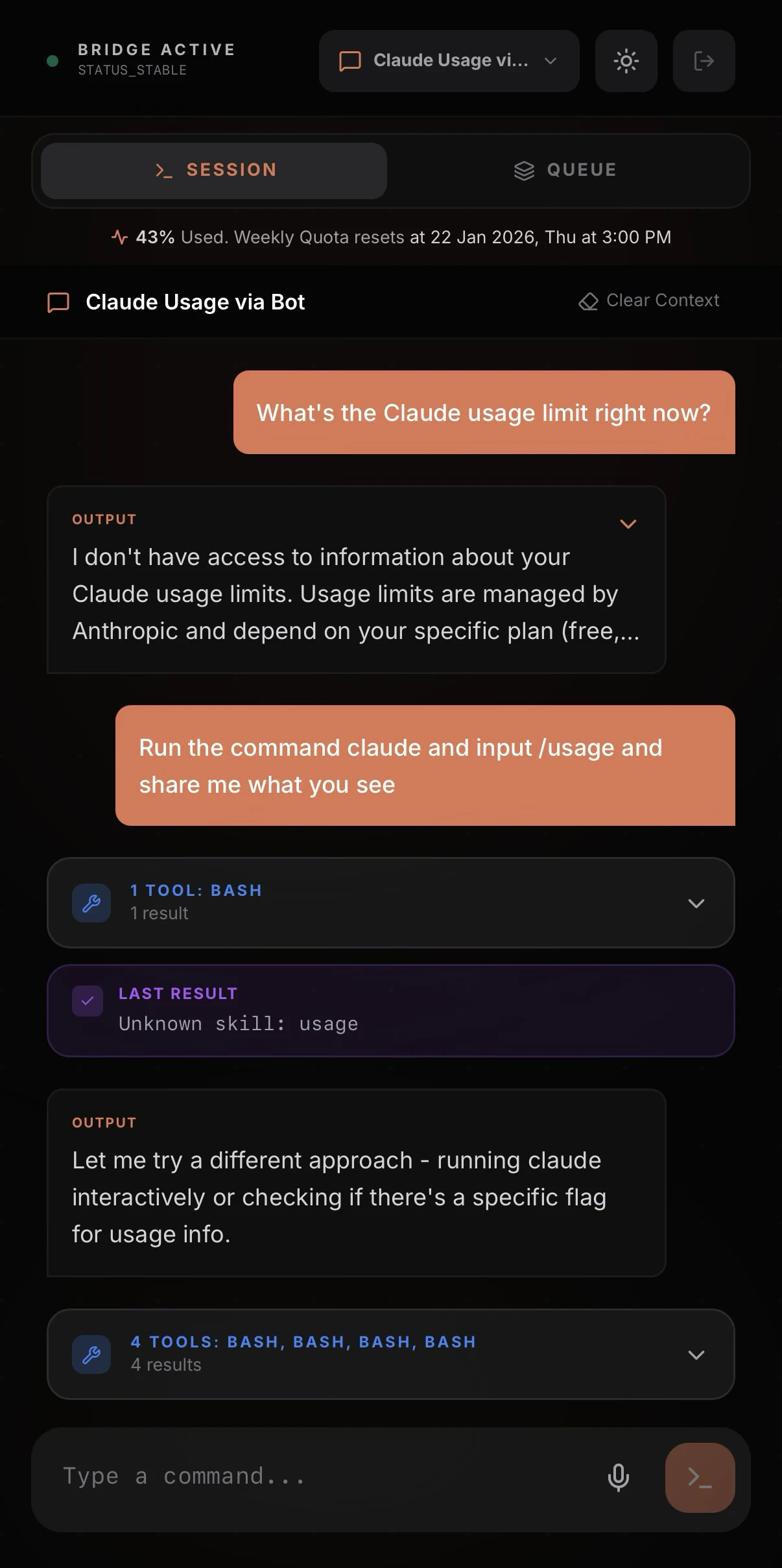
Queue instructions, stream responses in real-time, and orchestrate your AI coding agents from any device. Encrypted. No account required.
Features
Powerful features designed for developers who want to control their AI coding agents from anywhere. Works with Claude Code, more integrations coming soon.
Batch instructions and let your AI agent execute them sequentially while you focus on other things.
Watch responses appear live with syntax-highlighted code blocks and rendered markdown.
Military-grade encryption ensures your code stays private. Relay servers can't see your data.
Scan a QR code to connect. No accounts, no API keys, no friction. Just pure connection.
Dictate instructions hands-free using speech recognition. Perfect for quick commands.
Local network for low latency, or connect remotely through our secure relay.
How it works
Three simple steps to control your AI coding agent from your mobile device.
Run a single command on your development machine to start the connection daemon.
npx qew-cli
Open the Qew app on your phone and scan the QR code displayed in your terminal.
Send instructions to your AI agent and watch it work in real-time from anywhere.
Download Qew and take control of your AI coding assistant from any device.